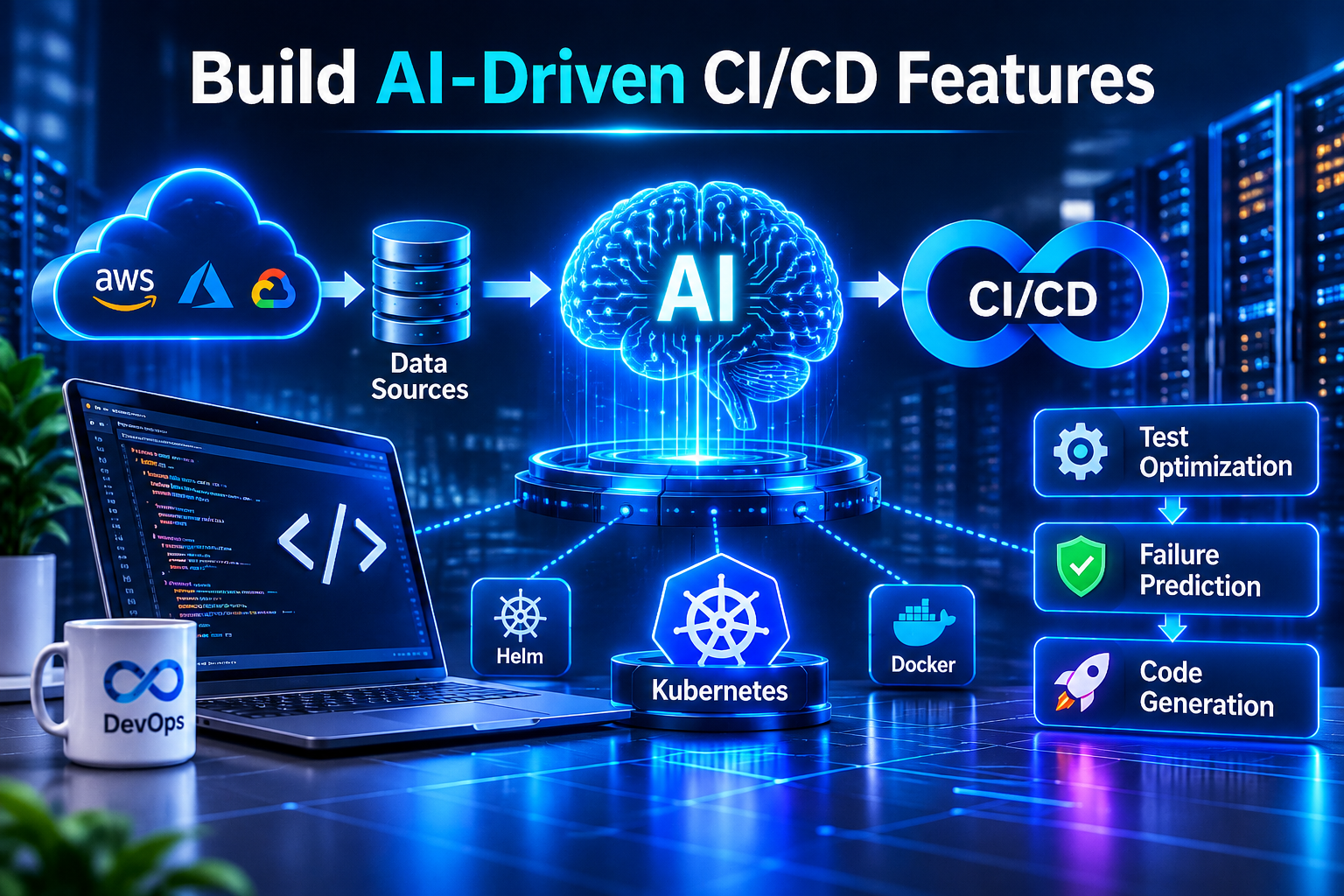
AI Agents for DevOps: Automate CI/CD, Kubernetes & Cloud Operations with MCP
Published: October 29, 2026
Reading time: 8–10 minutes
Category: DevOps, Artificial Intelligence, Cloud Native
Introduction: The Future of DevOps Is Intelligent Automation
Modern software teams manage increasingly complex environments: cloud infrastructure, Kubernetes clusters, CI/CD pipelines, monitoring systems, security policies, and distributed applications.
Traditional automation is excellent at executing predefined tasks. However, when a deployment fails unexpectedly or an application starts producing errors, engineers often need to investigate logs, compare metrics, identify the root cause, and decide what to do next.
This is where AI agents can help.
An AI agent can interpret a task, gather information from approved tools, analyze results, and recommend or execute a sequence of actions within defined permissions.
When combined with DevOps automation, Kubernetes, and the Model Context Protocol (MCP), AI agents can become useful assistants for everyday engineering operations.
In this guide, we'll explore how AI agents work, where MCP fits into the architecture, which workflows you can automate, and how to build a safer AI-powered DevOps environment.
1. What Is an AI Agent in DevOps?
An AI agent is a software system that uses an AI model to reason about a task and interact with tools to accomplish it.
Unlike a basic chatbot that only returns text, a tool-enabled agent can retrieve information from systems such as monitoring platforms, source repositories, cloud services, and deployment pipelines.
For example, imagine asking an agent:
"Investigate why the latest deployment failed and tell me what to fix."
A well-designed agent might:
- Retrieve the deployment status.
- Read relevant application and Kubernetes events.
- Examine recent application logs.
- Compare the failure with the previous successful release.
- Identify likely causes and supporting evidence.
- Suggest a fix and prepare a report.
- Request approval before making a production change.
The important distinction is that an agent can coordinate multiple steps rather than simply generating an answer.
Example DevOps AI agent use cases
- CI/CD failure investigation
- Kubernetes troubleshooting
- Log analysis and anomaly detection
- Pull request reviews
- Infrastructure documentation
- Cloud cost analysis
- Security finding summaries
- Incident reports and postmortems
The best starting point is usually a repetitive, low-risk task where the agent can demonstrate measurable value.
2. What Is MCP, and Why Does It Matter?
The Model Context Protocol, commonly called MCP, is an open protocol that standardizes how AI applications discover and use tools and access contextual information.
Think of MCP as a common integration layer between an AI application and external systems.
Without a shared integration approach, developers may need to create custom connections for every AI application and service combination. MCP provides a more consistent way to expose capabilities through MCP servers.
An MCP server might expose approved tools for:
- Reading CI/CD pipeline results
- Searching application logs
- Querying monitoring metrics
- Retrieving Kubernetes resource information
- Looking up repository issues
- Reading cloud infrastructure documentation
The AI application acts as the client and uses the tools made available by connected servers.
A simple MCP architecture
Developer → AI Agent → MCP Client → MCP Server → Approved DevOps Tools
The response flows back through the integration to the agent, which interprets the results and determines the next step.
MCP does not automatically make an AI agent intelligent, secure, or autonomous. It provides a standardized way to connect the application to tools; the agent's reasoning, permissions, and workflow design determine what happens next.
For more technical details, read the official Model Context Protocol documentation .
3. How AI Agents Can Automate the DevOps Lifecycle
A. Intelligent CI/CD monitoring
A traditional CI/CD pipeline runs predefined stages such as build, test, scan, and deploy.
An AI assistant can complement that pipeline by interpreting failures and producing a useful explanation.
For example, when a GitHub Actions workflow fails, the agent could:
- Retrieve the failed job and relevant logs.
- Identify whether the failure occurred during installation, testing, building, or deployment.
- Compare the error with previous runs when that data is available.
- Suggest a likely correction.
- Create a draft issue or pull request for an engineer to review.
The pipeline remains responsible for enforcing build and deployment rules. The AI agent helps engineers understand failures and decide how to respond.
B. Kubernetes troubleshooting
Kubernetes environments generate a large amount of operational information, including pod events, container logs, health probes, resource usage, and scheduling errors.
An AI agent can gather this information and summarize what matters.
For example, if a pod enters a CrashLoopBackOff state, the agent might inspect:
- Recent container logs
- Pod events
- Restart counts
- Container exit codes
- Resource limits
- Recent deployment changes
It can then explain possible causes, such as a missing configuration value, a failing health check, or an application startup error.
Always validate the diagnosis against actual cluster evidence. An AI-generated explanation is a hypothesis until the underlying data supports it.
C. Automated incident investigation
During an incident, engineers often switch between dashboards, logs, alerts, and deployment history.
A carefully scoped agent can gather relevant evidence from approved systems and assemble a timeline.
A useful incident report might include:
- When the issue started
- Which services were affected
- Relevant alerts and error messages
- Recent deployments or configuration changes
- Potential root causes
- Recommended next actions
This can reduce the time spent collecting information and help engineers focus on recovery.
D. Cloud cost optimization
Cloud cost investigations often involve finding underutilized resources, unexpected usage increases, and inefficient scaling policies.
An AI agent can summarize cost reports, identify unusual changes, and recommend optimizations such as reviewing idle resources or adjusting non-production schedules.
However, it should not terminate resources or change production scaling settings without appropriate authorization and safeguards.
E. Automated documentation
AI agents can also help keep engineering documentation useful.
They can summarize infrastructure configurations, draft runbooks, explain deployment workflows, and generate documentation proposals from reviewed code changes.
Engineers should verify the output before publishing it, particularly when documentation contains security procedures, operational commands, or architecture decisions.
4. Build a Practical AI-Powered DevOps Workflow
Let's design a simple project: an AI assistant that investigates failed deployments.
Step 1: Choose the tools
Start with systems your team already uses.
For example:
- GitHub Actions for CI/CD
- Kubernetes for workload management
- Prometheus for metrics
- Grafana and Loki for dashboards and logs
- An MCP-compatible AI client
- An MCP server that exposes approved read-only operations
You do not need to connect every system at once. Begin with one pipeline and one source of diagnostic information.
Step 2: Define the agent's responsibility
Give the agent a specific task:
"Investigate the latest failed deployment, collect relevant logs and events, identify evidence supporting the likely cause, and produce a troubleshooting report."
A narrowly defined responsibility makes testing easier than asking an agent to manage an entire infrastructure environment.
Step 3: Expose tools through MCP
Create or configure an MCP server that exposes a limited set of tools.
Illustrative tool names could include:
get_latest_pipeline_runget_failed_job_logsget_deployment_statusget_pod_eventssearch_application_logs
These names are examples, not built-in MCP functions. You must implement them or use a compatible integration that already provides equivalent capabilities.
Step 4: Let the agent gather evidence
The agent calls the available tools, examines their results, and prepares a diagnosis.
For instance, it might find that the pipeline succeeded but a Kubernetes container repeatedly restarted because a required environment variable was missing.
The report should distinguish between observed facts and inferred causes.
Step 5: Add human approval
Before the agent merges code, changes infrastructure, deletes resources, or deploys to production, require the appropriate authorization.
A good workflow separates investigation from execution:
Observe → Analyze → Recommend → Approve → Execute → Verify
This gives the agent useful capabilities without handing it unrestricted control of your environment.
Step 6: Measure the results
Track practical metrics such as:
- Time required to investigate a failed deployment
- Accuracy of suggested diagnoses
- Percentage of reports accepted by engineers
- Number of incorrect or unsupported recommendations
- Cost per investigation
- Unauthorized-action attempts blocked by the system
Use these measurements to decide whether to expand the workflow.
5. Example: An AI DevOps Agent in Python
The following example demonstrates the shape of an investigation workflow. It uses a placeholder diagnostic function rather than connecting to a real MCP server.
def investigate_deployment(deployment_id):
    # Replace this function with calls to your
    # authorized MCP tools.
    evidence = get_deployment_evidence(deployment_id)

    if not evidence:
        return {
            "status": "insufficient_data",
            "message": "No diagnostic evidence was found."
        }

    return {
        "deployment_id": deployment_id,
        "status": "investigation_complete",
        "evidence": evidence,
        "next_step": (
            "Review the evidence and propose a fix. "
            "Do not change production automatically."
        )
    }
In a real implementation, get_deployment_evidence() would need to be defined and connected to authorized tools.
A production-ready system should also include input validation, authentication, tool-level permissions, timeouts, error handling, structured logs, and a mechanism to request approval before sensitive actions.
The example illustrates the workflow structure, not a complete autonomous agent or a drop-in MCP implementation.
6. Security: Give AI Agents the Right Permissions
Connecting an AI model to operational systems introduces real security risks. A poorly configured agent might expose sensitive data, run a destructive command, or act on misleading instructions found in logs or repository content.
Follow these principles when building an AI-powered DevOps platform.
Use least privilege. Give each tool only the permissions it needs. An agent that reads deployment logs should not automatically receive cluster-admin access.
Separate read and write operations. Reading metrics, inspecting logs, and drafting a report are different risk levels from deploying code or modifying infrastructure.
Require approval for high-impact actions. Production deployments, permission changes, resource deletion, and secret rotation should follow explicit authorization policies.
Protect secrets. Never place API keys, passwords, or production credentials directly in prompts, source code, or unrestricted agent context.
Validate every tool call. Enforce allowed parameters, resource scopes, timeouts, and operation-specific policies outside the language model.
Record an audit trail. Log which tool was called, which identity authorized it, what action was requested, and whether it succeeded. Avoid recording secret values.
Treat external content as untrusted. Logs, issue descriptions, repository files, and retrieved documents can contain malicious or misleading instructions. They must not override the system's authorization rules.
Remember: an AI agent should never be the only security boundary protecting your infrastructure.
7. Trending Areas to Explore in AI and DevOps
AI-powered infrastructure is moving beyond experimentation toward reliability, observability, security, and production operations.
Here are several strong areas for future technical articles:
AI agents on Kubernetes: Explore how to deploy and manage agents as cloud-native workloads, including isolation, recovery, and observability.
MCP server development: Build a small MCP server that exposes safe tools for retrieving CI/CD results or application health information.
Agentic incident response: Demonstrate how an agent collects logs, correlates alerts, and creates an incident report with supporting evidence.
AI-assisted platform engineering: Investigate how internal developer platforms can offer reusable, policy-controlled workflows to application teams.
AI security and governance: Explain how least privilege, tool authorization, audit logs, approval gates, and untrusted input handling reduce operational risk.
AI observability: Explore how to monitor agent latency, tool failures, token usage, execution traces, and the quality of generated recommendations.
These topics are valuable because they combine AI capabilities with engineering problems that teams actually need to solve.
8. A Practical Learning Roadmap
If you're beginning with AI-powered DevOps, follow this progression.
- Learn the basics of Python, REST APIs, Git, and CI/CD.
- Build a simple script that reads deployment status and formats a report.
- Learn how MCP clients, servers, and tools communicate.
- Expose one read-only diagnostic function through MCP.
- Connect the tool to an AI application and test its responses.
- Add structured outputs, error handling, and audit logging.
- Introduce approval gates for sensitive operations.
- Test failure scenarios before connecting production systems.
- Measure accuracy, reliability, cost, and time saved.
- Expand to Kubernetes events, monitoring, and incident investigation.
The goal is not to make every operation autonomous. It is to automate repetitive work while keeping important decisions observable and controlled.
Conclusion
AI agents and MCP offer a practical way to connect language models with the tools used by modern DevOps teams.
From CI/CD failure analysis to Kubernetes troubleshooting, incident reporting, and cloud cost investigations, these systems can help engineers collect information faster and make better-informed decisions.
The most successful implementations will combine AI reasoning with reliable integrations, least-privilege permissions, strong observability, and human oversight.
Start with one small workflow, validate the results, and expand only when the system demonstrates measurable value.
What would you automate first: CI/CD failures, Kubernetes troubleshooting, or cloud cost analysis? Share your ideas and questions in the comments.
Further reading: